
Take full control of your academic performance with our Canvas Study Time Calculator. Instead of guessing how many hours you need, get a clear, data-driven study plan based on your current grade, target score, and remaining assignments.
This tool helps you understand exactly what it takes to improve your grade in Canvas LMS—quickly and realistically.
⚡ Why Use This Calculator?
🎯 Accurate Grade-Based Planning
Uses real Canvas LMS grading formulas to estimate required study effort.
📅 Smart Study Scheduling
Get personalized daily or weekly study time suggestions based on your target.
📊 Realistic Academic Goals
See what is actually achievable based on your current progress and time available.
🚀 Start Improving Your Grade Today
No confusion. No guesswork. Just clear planning that helps you study smarter and reach your target faster.
🚀Powerful Features for Smarter Studying
Get more than just numbers—this tool gives you a complete strategy to improve your grades efficiently.
🎯 Required Score Calculator – Instantly see the exact score you need on remaining assignments or your final exam.
📊 Study Hours Estimation – Know your total, daily, and weekly study time required to hit your target.
📅 Smart Study Plan Generator – Get a personalized daily study schedule based on your time and goals.
📈 Difficulty Level Indicator – Quickly understand if your target is Easy, Moderate, or Hard.
📉 Progress Toward Target – Track how close you are to your goal with a clear progress indicator.
🔁 Scenario Simulator – Test different study hours and see how your final grade changes instantly.
📊 Reverse Grade Calculator – Enter your available study time and find the maximum grade you can achieve.
🎓 Canvas Grade Breakdown System – Add assignments, quizzes, and final exam weights for accurate results.
⚡ Performance Level Adjustment – Adjust calculations based on your learning speed (Struggling, Average, High).
⏳ Time-Based Planning – Automatically adapts your plan based on remaining days and study schedule.
📅 Flexible Study Scheduling – Creates a balanced plan with gradual and intensive study phases.
📌 Realistic Predictions – Get practical, achievable outcomes based on effort—not unrealistic promises.
Canvas Study Time Calculator
Built for US Canvas LMS students1Course Details
✓Your Results
Fill out your course details and click
Calculate Study Plan to see your roadmap.
⚡Plan Tools
🧠 How the Canvas Study Time Calculator Works
This Canvas Study Time Calculator works as a smart grade estimator and study planner, helping you clearly understand how many study hours you need to reach your target grade.
Instead of guessing, it breaks your academic situation into simple steps and gives you a realistic, data-driven study plan.
- Step 1
- Step 2
- Step 3
- Step 4
- Step 5
- Step 6
- Step 7
- Step 8
- Step 9
- Step 10
- Step 11
📌 Step 1: Enter Your Current Grade
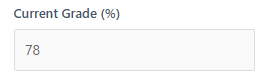
Start by entering your current percentage from your Canvas dashboard. This is the base of your calculation.
💡 Tip: Always use your most recently updated grade for accurate results.
🎯 Step 2: Set Your Target Grade
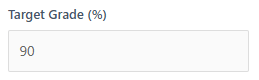
Enter the grade you want to achieve in your course. This helps define your final goal clearly.
💡 Tip: Choose a realistic target based on remaining assignments and time left.
📊 Step 3: Add Remaining Course Weight
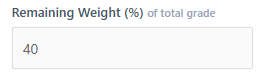
Enter how much of your course is still left (assignments, quizzes, final exam, etc.).
💡 Tip: Check your syllabus or Canvas grade breakdown for accurate weighting.
⏳ Step 4: Enter Days Until Final
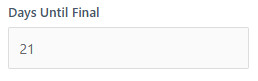
Add the number of days remaining before your final exam or deadline.
💡 Tip: Fewer days mean higher daily study intensity—plan wisely.
📅 Step 5: Select Study Days Per Week

Choose how many days per week you can realistically study.
💡 Tip: Consistency is more important than long study sessions.
📈 Step 6: Choose Your Performance Level
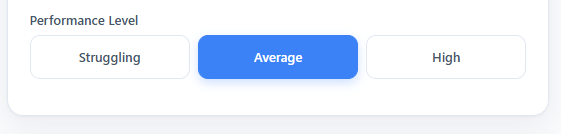
Select your current learning level: Struggling, Average, or High Performer.
💡 Tip: Be honest—this ensures your study plan is realistic and effective.
🧾 Step 7: Optional Grade Breakdown
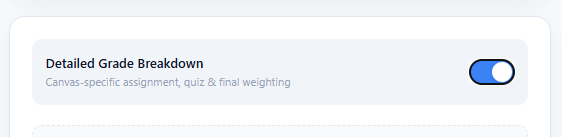
Add detailed weights for assignments, quizzes, and final exams for more precise results.
💡 Tip: This mode gives the most accurate Canvas-style prediction.
🚀 Step 8: Generate Your Study Plan
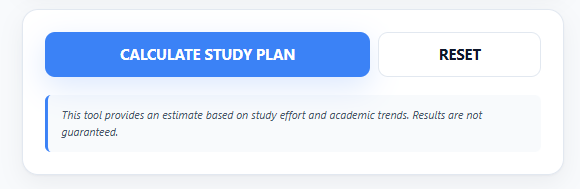
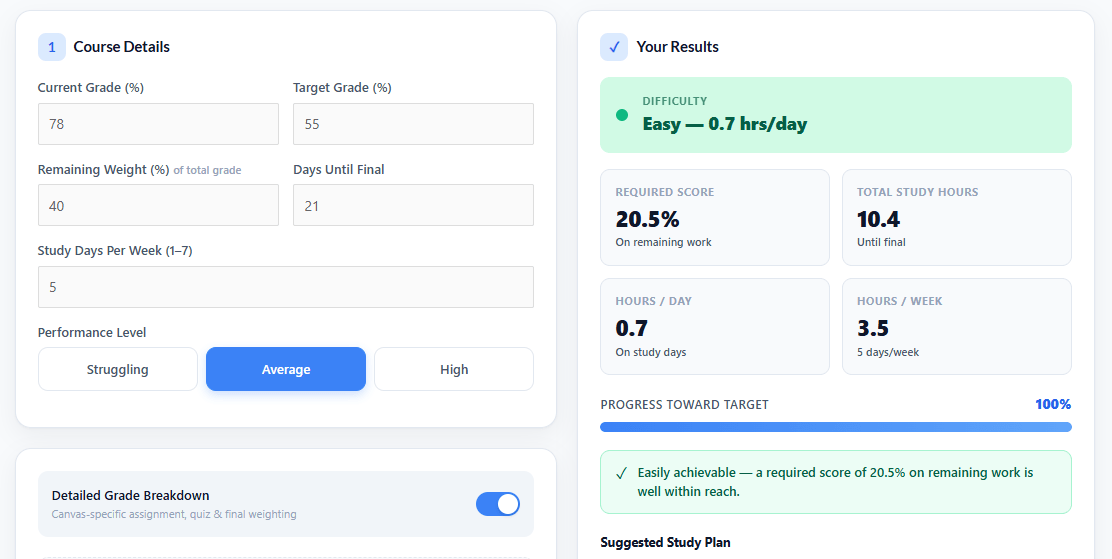
Click “Calculate Study Plan” to get your required score, total study hours, and daily schedule.
💡 Tip: Focus on “hours per day”—this is your most actionable metric.
🔄 Step 9: Try Scenario Simulator
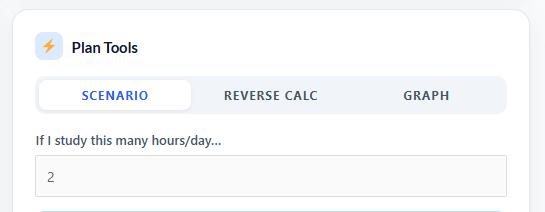
Test different study hours to see how your final grade changes in real time.
💡 Tip: Find the minimum effective study time instead of overloading yourself.
🎓 Step 10: Use Reverse Calculator
Enter your available study time to see the highest possible grade you can achieve.
💡 Tip: Ideal when your time is limited and you need realistic planning.
📚 Step 11: Follow Your Study Plan
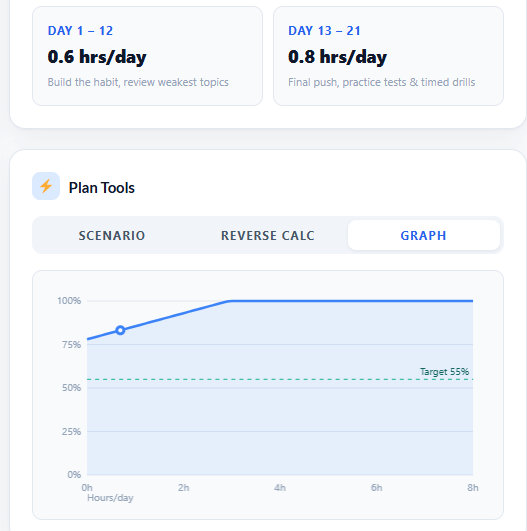
Use your generated daily schedule to stay consistent and improve your performance step by step.
💡 Tip: Stick to the plan for a few days before making adjustments—consistency builds results.
🎓 Who Is This Calculator For?
This Canvas Study Time Calculator is designed for students who want a clear, realistic answer to how many hours they need to study for finals and need a reliable exam study planner to improve their performance efficiently.
It is especially useful for:
- 🎯 College students using Canvas LMS who want to track grades and plan their study time more effectively
- 📚 High school students preparing for final exams and aiming to boost their scores
- ⏳ Students struggling with time management who need a structured, step-by-step study plan
- 🚀 Anyone who wants to improve grades faster using a data-driven study strategy
💡 Why It Matters
Instead of guessing or over-studying, this tool helps you turn your academic goals into a clear, practical, and achievable study plan based on your real performance data.
🧭 Result You Get
With just a few inputs, you’ll know:
- How many total study hours you need
- How to divide your study time daily
- What grade is realistically achievable
⏳ How Many Hours Should You Study?
The right study hours per day depend on your current grade, target score, and the amount of time left before your exams.
Instead of guessing your exam preparation time, follow a structured approach based on your academic goal and difficulty level.
📊 Study Time Based on Goal Level
🎯 Easy Goals (Small Grade Improvement)
If you only need a slight improvement, studying around 1–2 hours per day is usually enough to stay consistent and maintain progress.
📚 Moderate Goals (Noticeable Grade Boost)
For a clear improvement in your grade, aim for 2–4 hours per day with focused study sessions and regular revision.
🚀 Hard Goals (Major Grade Improvement in Less Time)
If you’re trying to significantly improve your grade in a short period, you may need 4–6+ hours per day with a strict and well-planned routine.
💡 Key Success Factor
Consistency matters more than intensity. Studying a manageable number of hours every day is far more effective than last-minute cramming.
🧠 Study Smart, Not Just Hard
Focus on:
- Active recall techniques
- Regular practice and revision
- Short, distraction-free study sessions
🎯 Final Takeaway
The right study plan is not about studying the most hours—it’s about studying the right hours with consistency and purpose to reach your target grade efficiently.
🚀 Start Planning Your Study Time Today
Take control of your grades and stop guessing your study effort. With the Canvas Study Time Calculator, you can instantly understand how many hours you need, what score you must achieve, and how to plan your preparation in the most effective way.
Instead of uncertainty, get a clear, structured, and realistic study plan tailored to your academic goals.
📌Frequently Asked Questions :
How many hours should I study to improve my grade?
It depends on your target and remaining course weight, but most students need 1–6+ study hours per day based on difficulty.
Can I reach my target grade in time?
Yes, the calculator analyzes your current performance and remaining time to show whether your goal is realistically achievable.
Is this calculator accurate for Canvas LMS?
Yes, it uses standard Canvas-style weighted grading formulas to provide realistic academic estimates.
What if my target is too high?
If your target is unrealistic, the tool will clearly show it as “not achievable” and help you understand the gap.
How does the study time calculation work?
It calculates required scores, remaining weight, and time availability to generate a personalized study plan based on effort and performance level.
